FIG. 01 — LIVE DEMO└──── 960 ────┘
Response trace ✓ — the submission was received by the front-end demo.
Forms, drawn to spec.

Build, publish, and analyze forms as deliberately as a technical drawing. Limits, response allowances, logic, and integrations stay visible before the form reaches respondents.

FIG. 02 / WORKFLOW

From sketch to spec, on one sheet.

└──── 1080 ────┘
01 SKETCH

Drag fields onto the sheet, anywhere.

Begin with the questions your respondents need and arrange them into a readable path.

Text, choices, ratings, uploads, dates, payments, and signatures can be placed into the working form before you decide which branches or sections should exist.
02 WIRE

Add logic jumps and calculated fields.

Turn a flat page into a conditional route when an answer should change what comes next.

Logic jumps can skip sections and calculated fields can derive values from answers that already exist in the drawing.
03 PUBLISH

Embed, link, or share with a QR card.

Choose a distribution method without rebuilding the underlying form.

Use a public link or an embedded surface, then place the collection step where respondents already expect to interact.
04 READ

Responses roll into charts and exports.

Review the collected information using the same field structure that defined the form.

The response view keeps the submitted values traceable to the original questions, making downstream analysis and exports easier to understand.
FIG. 03 / COMPONENT LIBRARY

Standard components.

3 columns / variable height
“The useful change was seeing the response limits, routing, and export path before publishing instead of discovering the constraints afterward.”
A sample testimonial from a fictional operations lead
FIG. 04 / FIELD NOTES

Used on the sheet.

5 reference cases
Sample Northfield Clinic form projectNorthfield Clinic — 12 intake forms, zero paper

Sample scenario: appointment intake, consent, and referral requests in one controlled library.
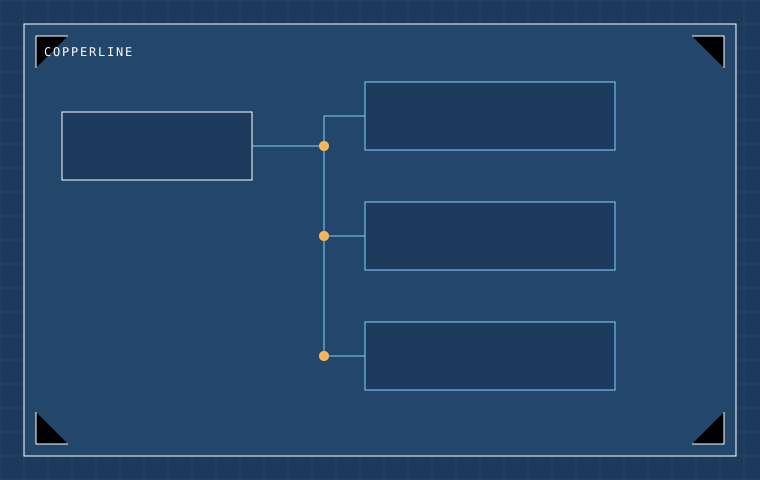
Sample Copperline registration projectCopperline — three-stage workshop enrollment

Sample scenario: registration → eligibility → confirmation using conditional questions.
Sample Fieldhouse research instrumentFieldhouse — 40-question research instrument

Sample scenario: matrix fields, rating scales, and structured exports for analysis.
Sample Cedar and Form client intakeCedar & Form — client intake without duplicate links

Sample scenario: branching routes for different project types inside one public form.
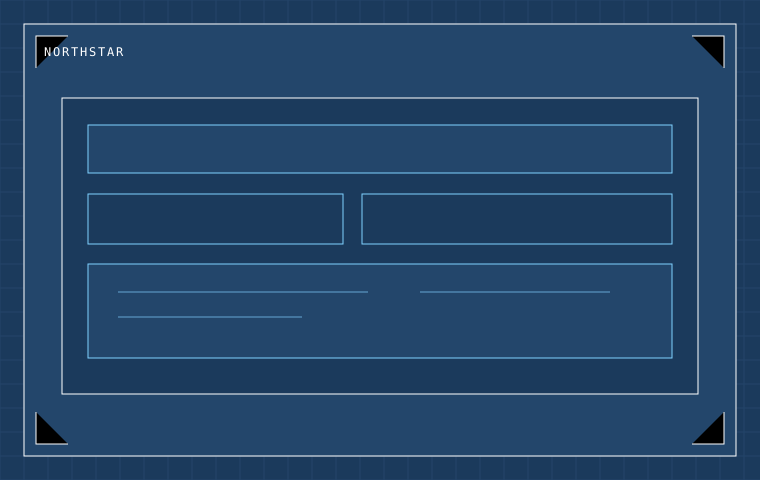
Sample Northstar procurement requestNorthstar — procurement requests with calculated totals

Sample scenario: request lines feed a computed value before review.

FIG. 05 / PLAN LEGEND

Plan legend.

Compare all plans →
REVISION NOTES

Change notes, monthly.

A concise email covering new form patterns, response practices, and product revisions.